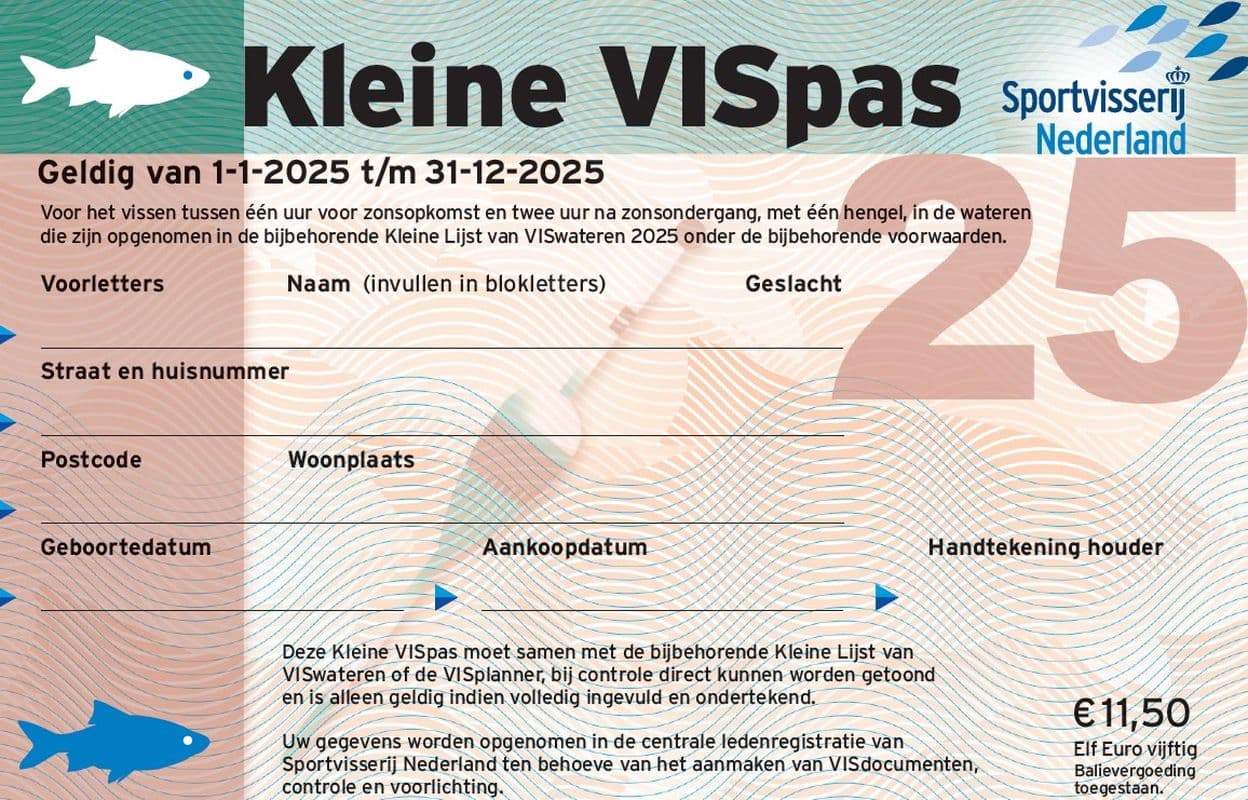
Cancellation and reporting a death , Small VIS Pass
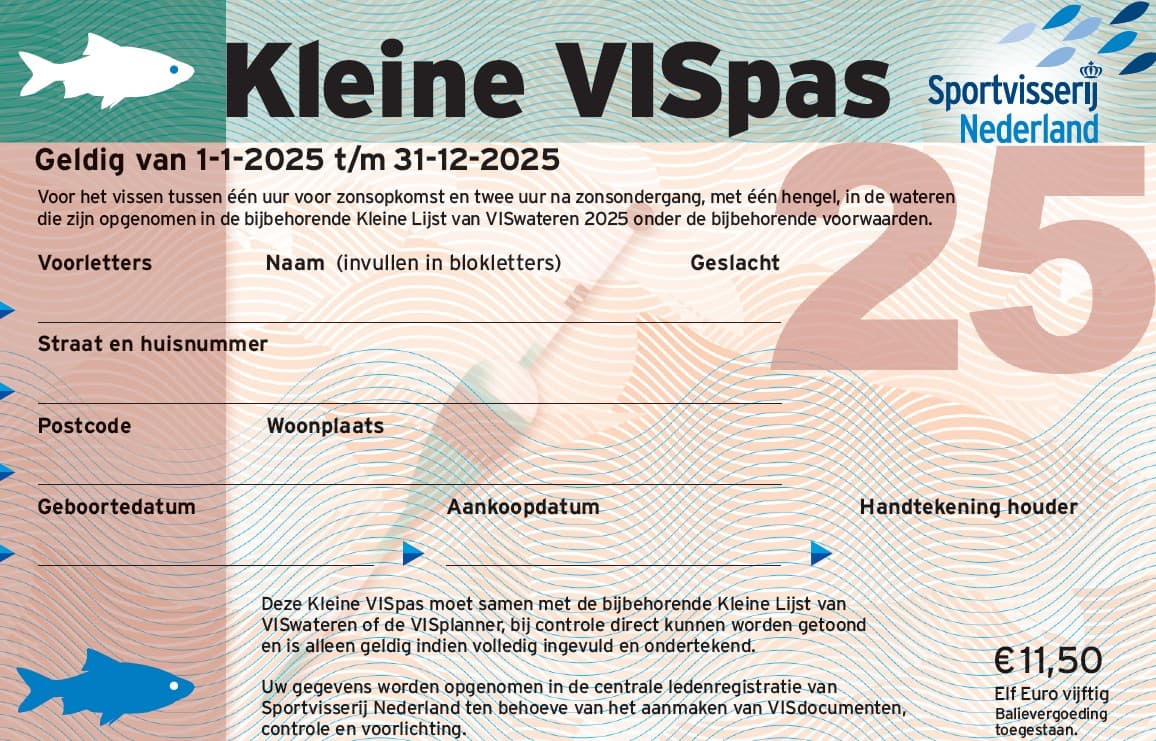
Do you want to cancel your Small VIS Pass or report a death? Do this online via https://www.mijnsportvisserij.nl. Cancel before October 1 for the next calendar year.
How to cancel:
- Go to https://www.mijnsportvisserij.nl.
- Register once or log in.
- Link your VIS pass(es) to your account, if they are not already linked.
- In the menu choose 'VISpassen' (VIS passes).
- Click 'Actions' ('Acties') next to the correct document and choose 'Cancel' ('Opzeggen').
- Provide a reason and confirm the cancellation.
You will immediately receive an automatic confirmation by e-mail. The administrator will then process the cancellation.
Do you have questions about cancelling your Small VIS Pass? Contact Sportvisunie.